USSD is still one of the fastest ways to reach customers across Kenya. If you are new to the topic, start with our primer on what USSD is and why it matters.
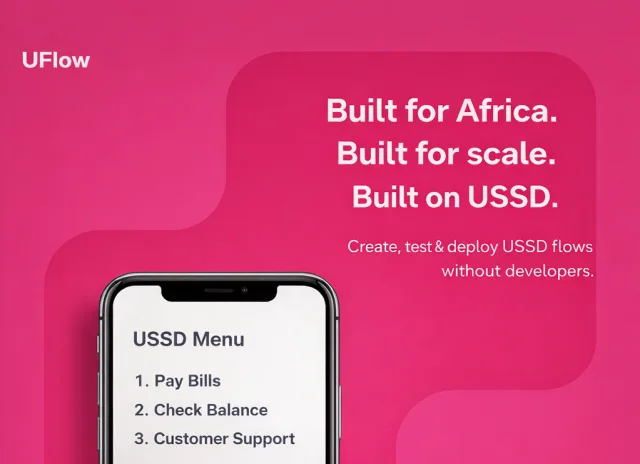
For years, launching a USSD app in Kenya meant hiring developers, writing code, and managing complex telco integrations. But thanks to modern no-code tools like UFlow, any business can now launch a USSD service from M-Pesa payments to surveys in just a few clicks.
Why Businesses Still Love USSD
Even in the age of mobile apps, USSD remains one of Africa's most powerful digital tools because it works for everyone, not just smartphone users.
- Works on every phone with no data required
- Great for rural, offline, or low-bandwidth users
- Direct and fast user experience
- Perfect for payments, feedback forms, and service delivery
Common Use Cases for USSD Apps
- M-Pesa payments and balance checks
- Loan applications
- Airtime or data purchases
- Customer support
- Account management
- Surveys or polls
All of these can now be created visually with a no-code USSD platform, no coding or integrations headaches.
Step-by-Step: Build a USSD App Using UFlow
- Sign up on UFlow.co.ke
- Create a new USSD flow using drag-and-drop or plain English
- Add logic nodes like Menu, Input, and API Call
- Connect to M-Pesa or Airtel Money
- Test instantly using the built-in emulator
- Deploy to your USSD code
- Screenshot of the flow builder canvas
- Screenshot of the USSD emulator test screen
- Simple flow diagram of a menu and input path
You can start building today for free with an AI USSD builder, no setup required.
Benefits of Using a No-Code Builder
- Faster time to market
- Lower development cost
- Easy iteration and updates
- Built-in integrations for M-Pesa, SMS, and APIs
- AI assistant for auto-generating flows
Bonus: Pricing Example
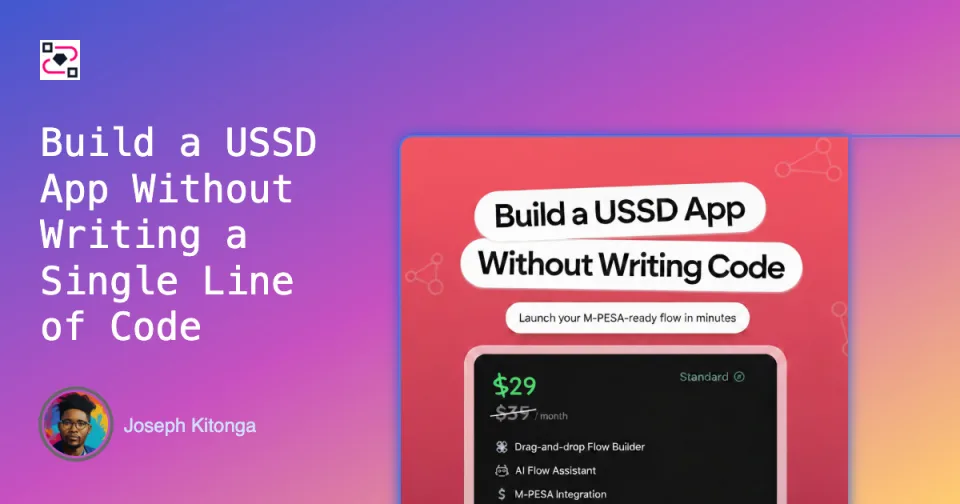
UFlow's Professional plan starts at $29 per month for up to 5,000 live sessions, perfect for startups and small businesses.
Conclusion
Whether you are a fintech, SACCO, or NGO, USSD can still transform how you reach customers and tools like UFlow make it easier than ever to launch. Start for free and see how fast you can go from idea to live USSD app.
Build your USSD app in Kenya today with UFlow.
Start Building Free